
MOZA Handbrake / Shifter Table Clamp : Test & Review | What it's really worth in 2026
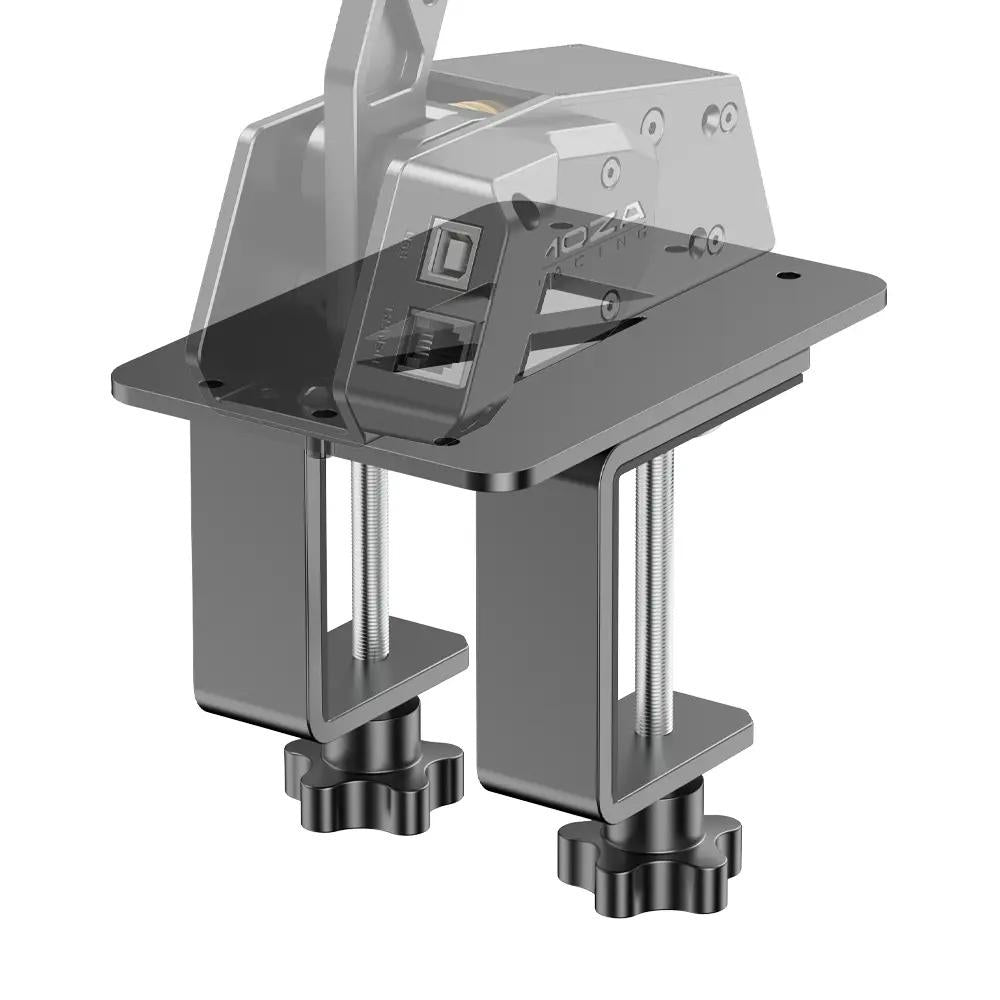
MOZA Handbrake / Shifter Table Clamp: My opinion in brief
This clamp gave me the feeling of transforming a simple desktop setup into a much more serious cockpit, especially in terms of handbrake and shifter feel. It makes sense for demanding desktop sim racers, already a little equipped, who want to gain in comfort, precision and consistency without immediately upgrading to a full cockpit.
When you buy through our links, we may earn an affiliate commission.
MOZA Handbrake / Shifter Table Clamp: test & review of a smart support for demanding sim racers
The MOZA Handbrake / Shifter Table Clamp fits into a very special category of sim racing: accessories that don't make you dream at first, but can transform the ergonomics of a setup. We're not talking about a Direct Drive chainstay or pedalset here, but a table clamp designed for neatly attaching a handbrake and shifter, without a complete cockpit.
On paper, the promise is simple: to offer a solid, adjustable "plug & play" solution for those who use a desk or small steering wheel support, while remaining compatible with most MOZA shifters and handbrakes (and potentially other brands with a little DIY). In short, gain in comfort and realism without having to invest in a tubular chassis.
My angle of analysis is twofold: on the one hand, build quality and rigidity, because a shifter that moves ruins any immersion. On the other, ease of integration into a real setup: height and angle adjustments, compatibility with different chainrings, and in-game stability. The aim is to see if this clamp deserves its place in a serious setup, or if it's just a troubleshooting accessory with a slightly better finish than generic solutions.
Design and manufacturing: a clamp that exudes confidence
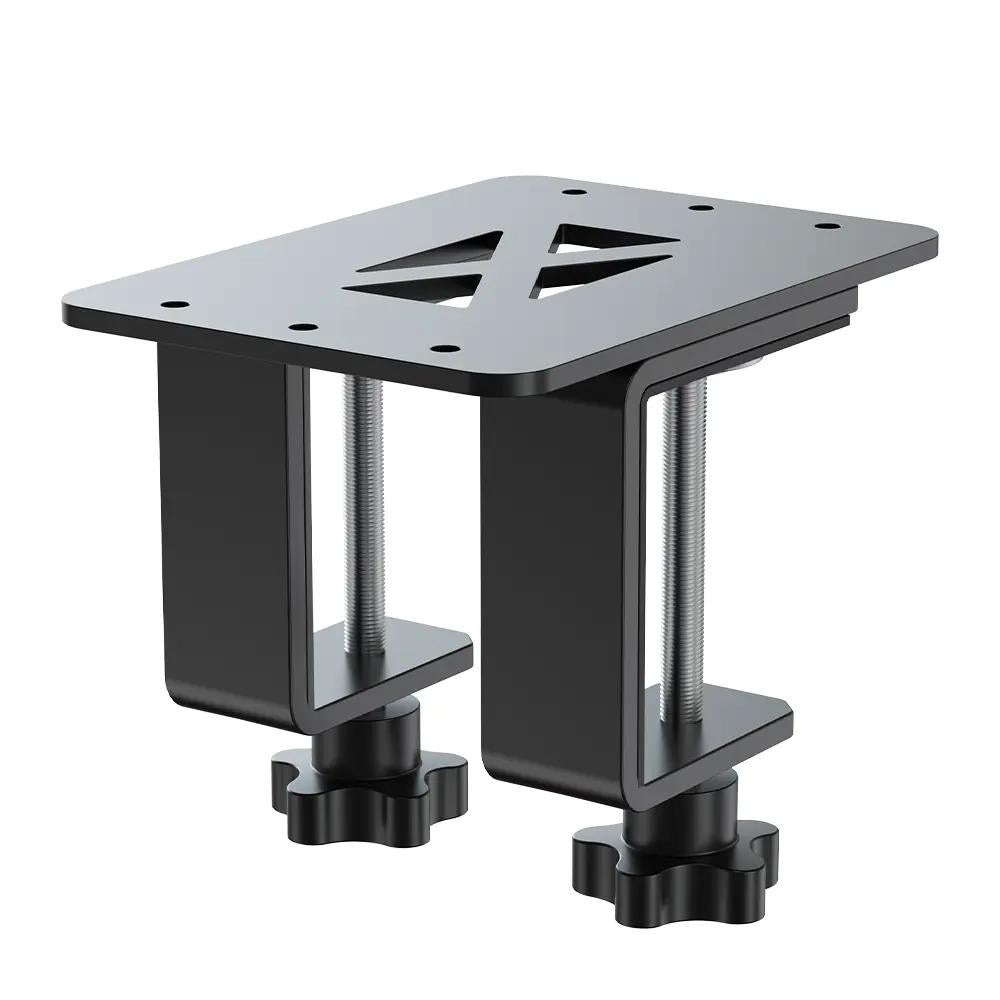
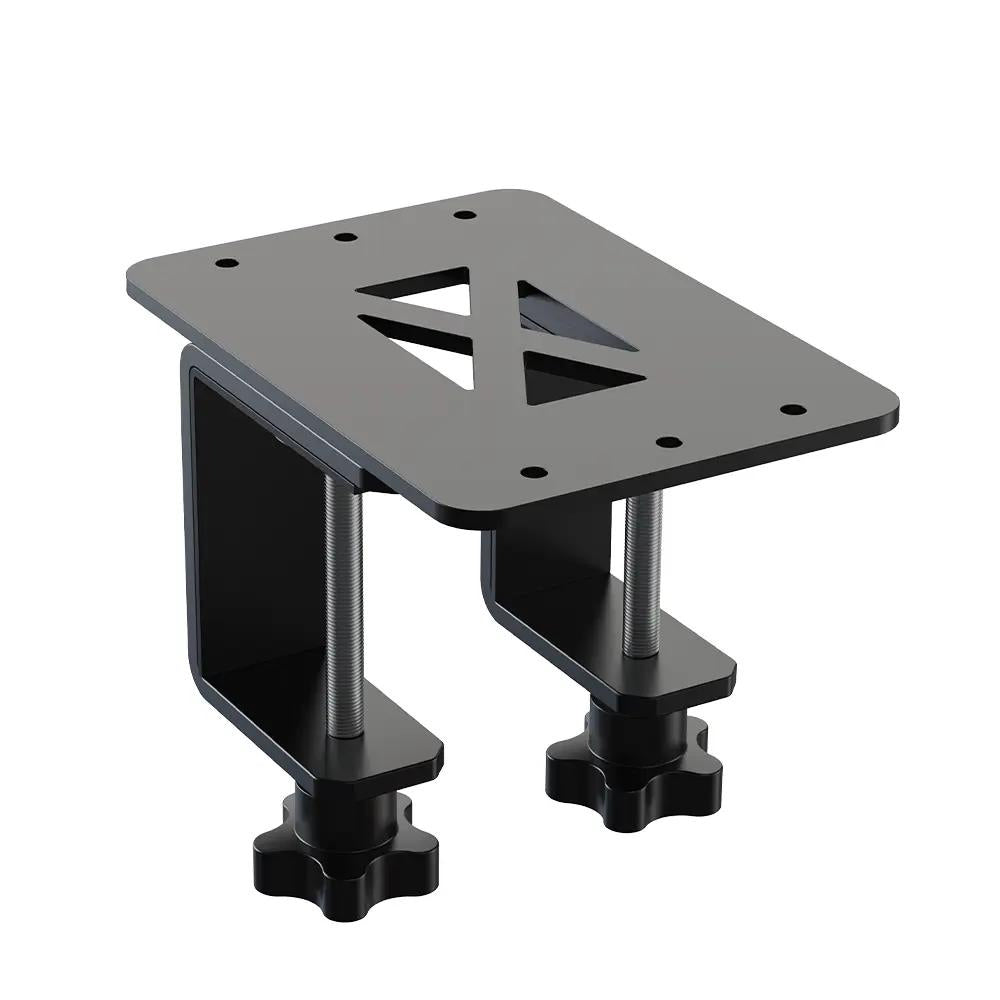
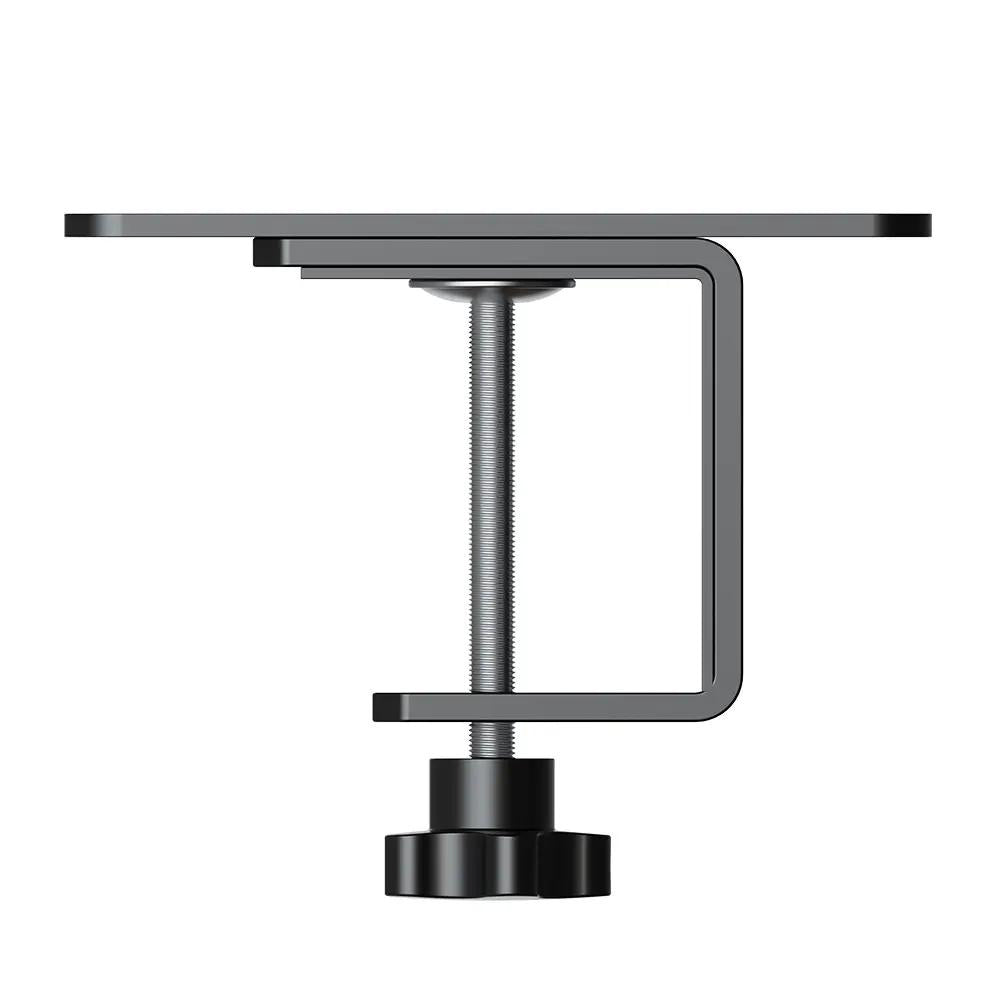
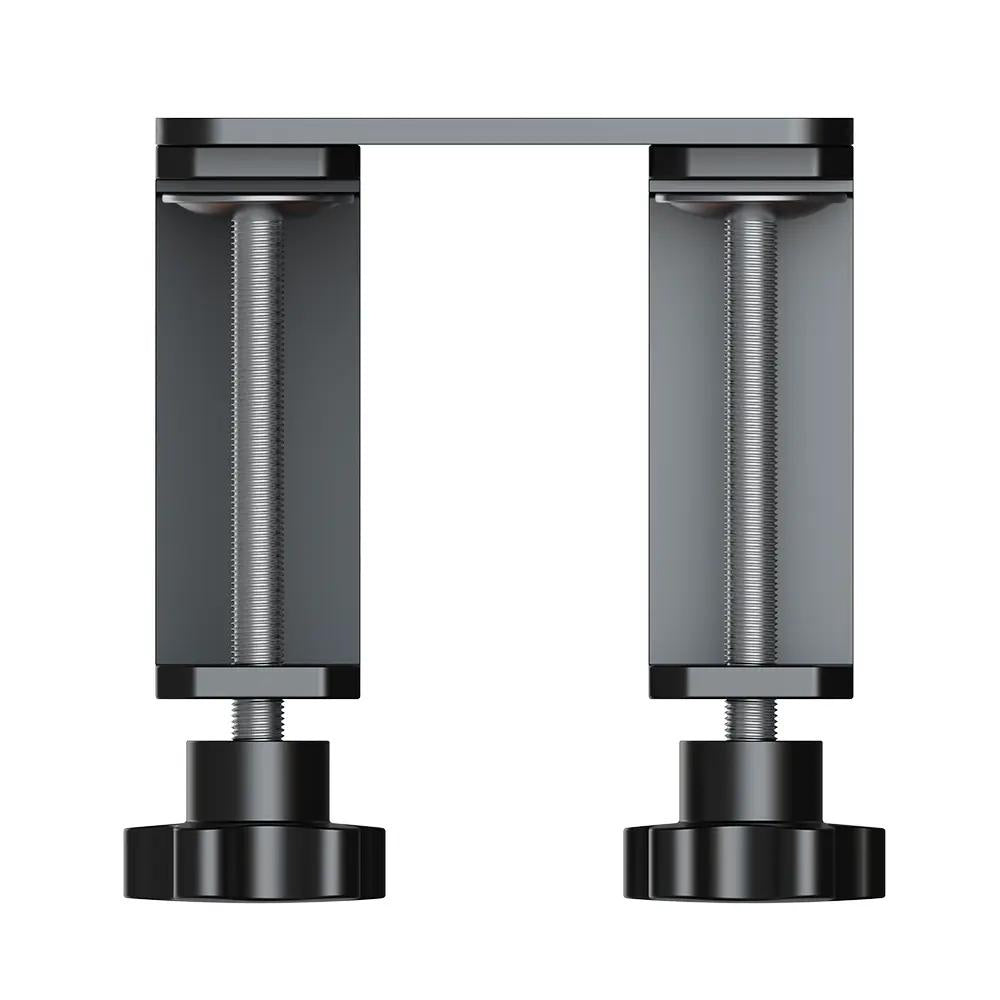
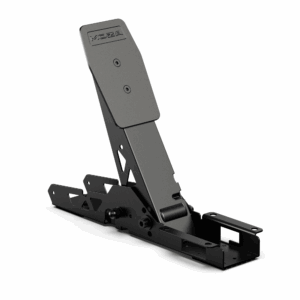
The first thing you notice is the all-metal construction. The MOZA Table Clamp immediately gives an impression of density and seriousness. The plates are thick, the structure is compact, and visually, it's more like a cockpit element than a simple desk accessory. In hand, nothing feels hollow, nothing feels fragile.
The finish is clean, with a matte black treatment that limits fingerprints. Edges are well machined, with no sharp edges. The knobs and screws inspire confidence: when you tighten them, you can feel that they're going to hold. This feeling of a monolithic block is very reassuring, especially when you know what an H-shaped shifter can take when operated a little aggressively.
In terms of rigidity, this is clearly the strong point. Once the clamp has been tightened to the correct desktop (reasonable thickness, stable plate), parasitic movements are very limited. You can pull hard on a handbrake without the whole assembly starting to vibrate in all directions. For an office-oriented product, this is already a real plus. It's a far cry from thin sheet metal clamps or plastic brackets that bend.
The downside is a rather massive, slightly "industrial" look. If you're hoping for a small, discreet accessory that blends into a living room, this isn't really the idea. This clamp assumes its pure sim racing look. On some very thin or fragile desks, weight and clamping pressure can also become a point of attention.
Compared with other universal clamps on the market, the MOZA is clearly a step up in terms of perceived quality and rigidity. On the other hand, it is less versatile out of the box than some multi-platform brackets that multiply the holes for everything and anything. Here, the logic is clearly oriented towards the MOZA ecosystem, even if you can always adapt it with screws and custom plates.
Settings, customization and compatibility: practical, but with MOZA in mind
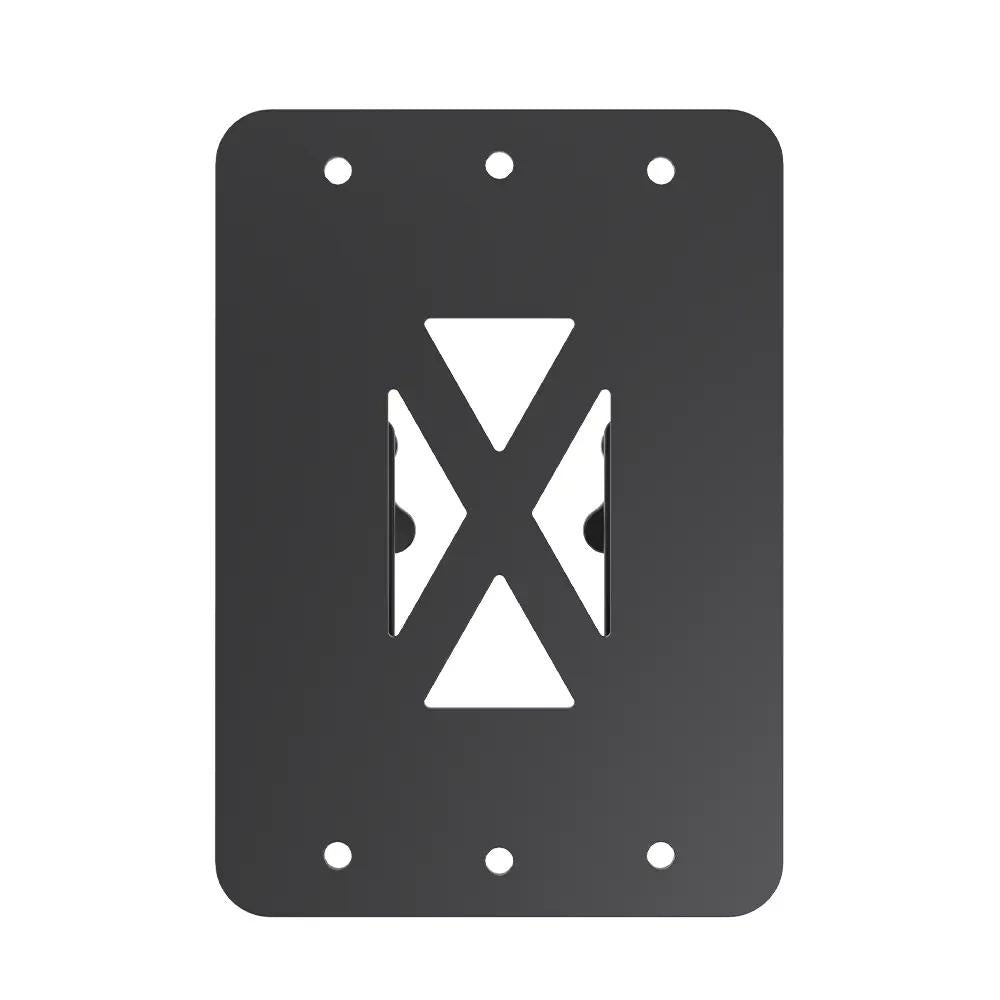
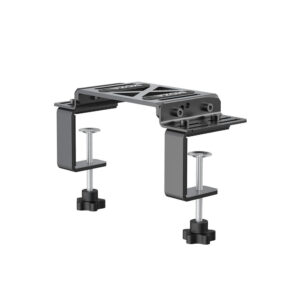
Where this clamp really comes into its own is on the settings front. The structure allows you to mount a shifter, a handbrake, or both, with a good margin of adjustment in height and forward/reverse. The lever can be positioned next to the steering wheel, slightly recessed, or further forward, depending on personal preference. Adjustment is via conventional screws and oblong slots, not via a quick-set system, so you'll have to take your time at first, but then it won't budge.
The inclination of the plate is also adjustable, which is very important for a vertical or slightly inclined handbrake. You can achieve a position quite similar to a cockpit mount, even if you're standing on a desk. For an H-shaped shifter, you can achieve a credible height in relation to the steering wheel, without having to cobble together shims everywhere. It's this kind of detail that makes the in-game experience feel natural.
In terms of compatibility, the obvious target is MOZA peripherals: shifter, handbrake and, more generally, the rest of the ecosystem. The holes are designed for this purpose, so integration is simple and straightforward. For other brands, nothing's impossible, but sometimes you'll need an adapter, extra holes or an intermediate plate to get it right. If you're looking for a universal 100 %, this isn't the most plug & play solution.
The clamp itself doesn't integrate PC/console logic, since it's just a mechanical support. Compatibility therefore depends solely on the peripherals mounted on it. The only thing you need to check on your side is the thickness and solidity of your desk top or stand. The clamping system accepts a wide range, but a tray that's too thin, too soft or too ribbed may limit the potential rigidity.
In terms of upgradeability, it's an accessory that can clearly keep pace with progress. It works very well in a small office setup, but can also be used on a larger stand or a "light" cockpit lacking shifter/handbrake mounting points. This is a longer-lasting investment than it might seem, especially if you stick with the MOZA ecosystem.
In-game sensations: stability, confidence and more natural gestures
Even if the clamp itself doesn't generate force, its influence on in-game sensations is real. It all comes down to the stability and position of the controls. When the shifter and handbrake are fixed to a support that doesn't move, every movement becomes more precise and repeatable. The brain stops compensating for parasitic movements, and you can concentrate on driving.
On a handbrake, the difference is immediately felt in the release phase. In drifting or rallying, the lever is often pulled very hard. With a poor-quality clamp, the whole block starts to move, the desk vibrates, and the feeling of proportioning disappears. Here, the MOZA Clamp takes it in its stride. You really dare to pull as you would on a real car, without fear of distorting the clamp. As a result, glide control becomes more intuitive. It's easier to reach the area where the car pivots without spinning out.
For an H-shaped shifter, rigidity plays a major role in the precision of gear changes. When the base of the shifter is well supported, notch locks are crisper, diagonals are cleaner, and you miss fewer gears in fast shifts. You get more out of the mechanical feel of the shifter itself. On long sessions, this is the kind of detail that avoids mental fatigue: you trust your equipment, and gestures become automatic.
In terms of cornering behavior, the optimized position of the shifter or handbrake enables gestures to be better synchronized with what the car is doing. A well-placed handbrake on the right, at a height close to the armrest, makes load transfers much more natural on hairpins or when entering a slide. You gain in timing. Brake, release the throttle, go back on: everything flows more quickly and fluidly.
There's also an indirect impact on vibrators and choppy phases. A shifter that used to wobble on a light clamp now stays perfectly in line, even when the FFB base shakes the desk. The racket of the steering wheel no longer makes the whole thing vibrate. Quick correction with the steering wheel, downshifting with the shifter and the occasional tap of the handbrake become independent actions, with no physical interference. You stay in control.
Faced with a cheap stand or simple plastic pliers, the difference in confidence is clear. There's no longer that little apprehension of "if I go too hard, everything will move" that makes you hold back your movements. Compared with a real tubular cockpit, the MOZA Table Clamp is still a step down on very extreme setups (large FFB + medium desk), but on a decent desk, it comes very close.
This clamp won't turn your average handbrake into the ultimate weapon, but it will allow you to make the most of a good handbrake or shifter. That's where it really changes the experience. Consistency over long sessions is better, fatigue from parasitic movements is reduced, and the overall feeling of control increases. You feel that your setup is more "serious", even if it's still centered on a simple desk.
Who's it for? What we like, what we don't like
This support is clearly aimed at desktop sim racers who want a higher level of realism without immediately upgrading to a full cockpit. Typical profile: PC or console gamer with an already serious steering wheel (e.g. mid-range Direct Drive or solid belt base), who wants to add a handbrake and shifter without turning his living room into a driving center. Intermediate or experienced riders will find it more valuable than the pure beginner, simply because they'll be exploiting its positioning and rigidity potential to a greater extent.
What I particularly like is the overall sturdiness. You can feel that the clamp has been designed to withstand years of hard use. Then there's the rigidity under load: for a desktop-oriented product, it's definitely above average, and it changes the way you pull on the handbrake. Last but not least, integration into the MOZA ecosystem: everything fits together neatly, with no need for DIY, aesthetic coherence and well-thought-out ergonomics. It feels like a complete package rather than an afterthought.
There are limits, however. The first is the very MOZA-oriented nature of the product. If your setup mixes several brands, you may have to adapt a little, or even look for a more universal solution. Secondly, the weight and size: on a small, light desk, it can be a little disproportionate, with a high clamping pressure that's not ideal for fragile trays. Finally, the price can sting a little for what remains, in the end, a support. This is a more serious investment than a generic clamp, and you really need to want to optimize your driving position to justify it.
In terms of perceived value, it all depends on where you're coming from. If you go from a rough setup, with a shifter taped to the edge of the desk or a handbrake attached to a low-end clamp, the perceived difference is well worth the entry ticket. If you're already close to moving on to a full cockpit, it might be smarter to think about the overall vision of your setup before piling on the accessories.
Verdict: a real upgrade for demanding desktop setups
The MOZA Handbrake / Shifter Table Clamp has established itself as a mid/high-end accessory in the desktop bracket category. It's not a gadget: it literally structures the shifter/handbrake area, and provides a level of rigidity more often associated with cockpits than tabletop installations. In a setup, it changes two things above all: confidence in gestures and ergonomic coherence between steering wheel, shifter and handbrake.
On the market, it stands head and shoulders above inexpensive universal clamps, both in quality and feel. On the other hand, it is less versatile than a fully universal clamp, and less radical than a true tubular chassis. It clearly plays the role of a pivot point for those who want to professionalize an office setup without switching to a full cockpit.
I'd recommend it to sim racers who often drive rally, drift or H-box cars, who already have a minimum of equipment and are sensitive to ergonomic and rigidity issues. For the very occasional player, or for someone who has already decided to switch to a cockpit in the immediate future, it may not be the best use of their budget.
If you're looking to seriously solidify your shifter and handbrake on a desktop, while remaining in a compact and upgradeable setup, this MOZA Handbrake / Shifter Table Clamp can clearly make a difference in your setup.



Reviews