MOZA CM HD Digital Dash : Test & Review | What it's really worth in 2026
MOZA CM HD Digital Dash: My quick review
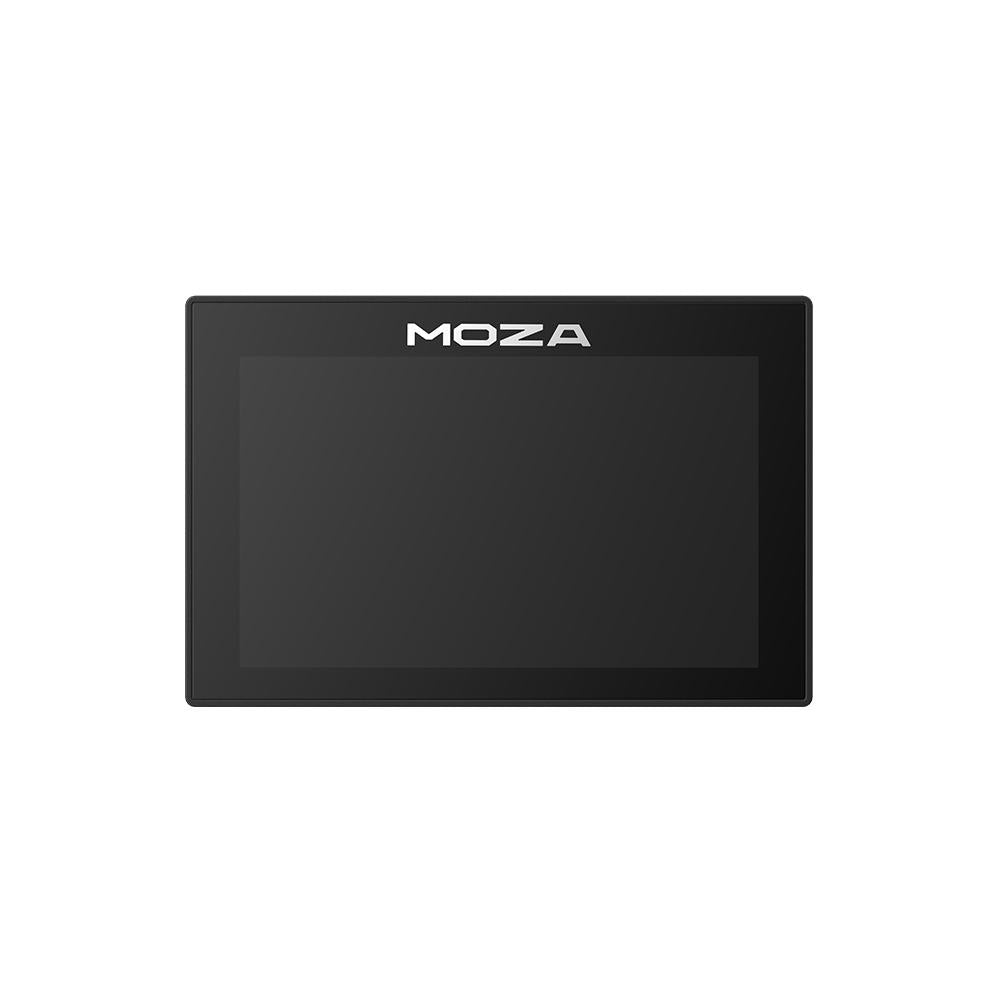
The MOZA CM HD Digital Dash is a dedicated telemetry display that mounts on top of a MOZA Direct Drive base. Its 5-inch screen, with a resolution of 800×480 and a refresh rate of 60 Hz, pulls vital data from the game screen and places it right in the driver’s field of view. Controlled by the MOZA Pit House software, it offers seven interface styles and adjustable height. An integration accessory designed for those who already use MOZA on a PC.
When you buy through our links, we may earn an affiliate commission.
What We Liked
- It removes the telemetry from the screen and places it in the line of sight
- Seven interface styles to suit every discipline
- Sleek, floating design, very similar to a real handset
- Adjustable height for optimal placement
- Seamless integration with the MOZA ecosystem via Pit House
- Immediate support for major games
Reserves
- For use only with MOZA bases; not for general use
- The 800x480 resolution pales in comparison to newer dashes
- No touchscreen or additional LEDs
- Control and telemetry via the PC
Technical Specifications
| Type | dedicated telemetry display (racing dash) |
| Tile | 5-inch HD |
| Definition | 800x480 |
| Colors | 16.7 million |
| Refresh | 60 Hz |
| Interface Styles | 7 |
| Adjustment | adjustable height |
| Assembly | on the MOZA platform (around the R9) |
| Software | MOZA Pit House (PC) |
| Games | Assetto Corsa, the F1 series, Project Cars 2, DiRT Rally 2, etc. |
| Data | speed, RPM, gear, fuel, tire wear, laps, gaps, standings |
Remove telemetry from the game screen
On a racing rig, the most valuable information is often the data you don’t pay enough attention to: engine RPM just before the redline, the current gear, and the gap to the fastest lap. The CM HD Digital Dash is based on this simple observation. Rather than letting this data get lost in the game’s HUD, it displays it on a physical screen mounted at the top of the base, right where a real driver would have their instrument cluster. You keep your eyes on the track, the information falls into your peripheral vision, and the cockpit instantly feels more realistic.
What the display shows you
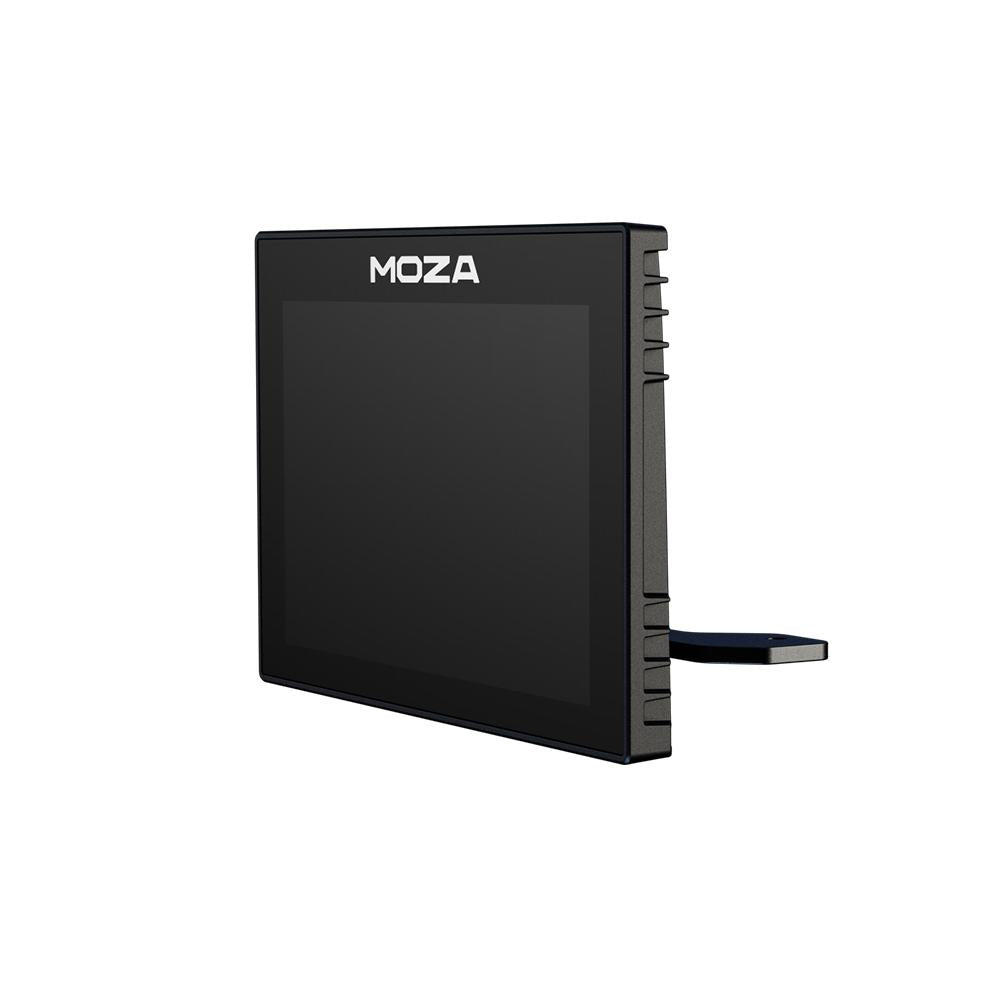
The screen measures 5 inches, with a resolution of 800x480, 16.7 million colors, and a refresh rate of 60 Hz. Nothing extravagant on paper, but it’s enough for a device whose job is to display clear numbers and a gear indicator that’s readable even at full speed. The CM HD displays everything you’d expect from a true dashboard: speed, RPM, current gear, fuel level, tire wear, race position, current lap time, best lap and last lap, real-time gap to the fastest lap, standings, and information about opponents. Seven interface styles are available, ranging from a classic, road-oriented cluster to more technical layouts, allowing you to customize the display based on the discipline or simply your personal reading preferences.
A slim design, seamless integration
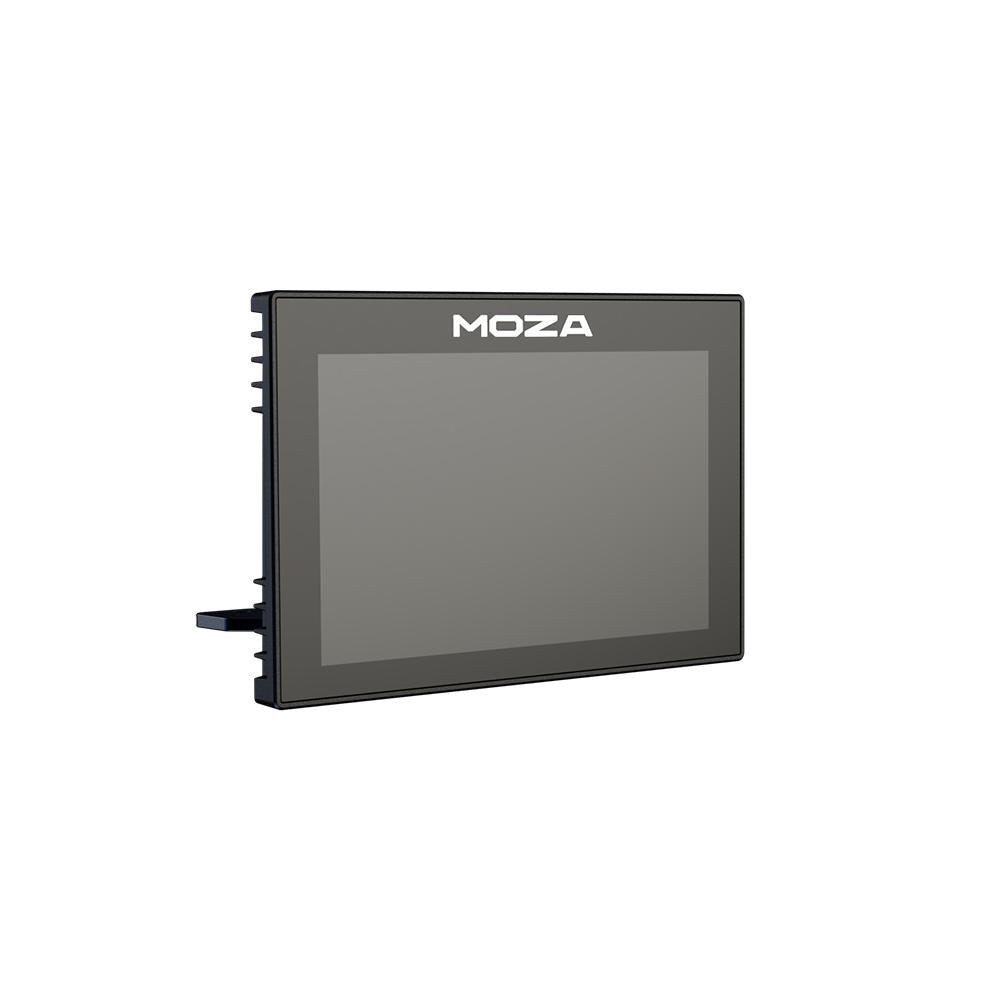
The aesthetic choice is deliberate. The CM HD features a sleek, almost floating design—directly inspired by car headsets—that adds a modern touch to the rig without obstructing the field of view. It’s designed to mount on top of MOZA bases, such as the R9, and its height is adjustable to accommodate your seating position and viewing angle. This detail matters more than it seems: a dash that’s too low gets obscured by the rim, while one that’s too high forces you to look up. Being able to fine-tune this placement makes the accessory truly usable over the long term.
An accessory for the MOZA ecosystem
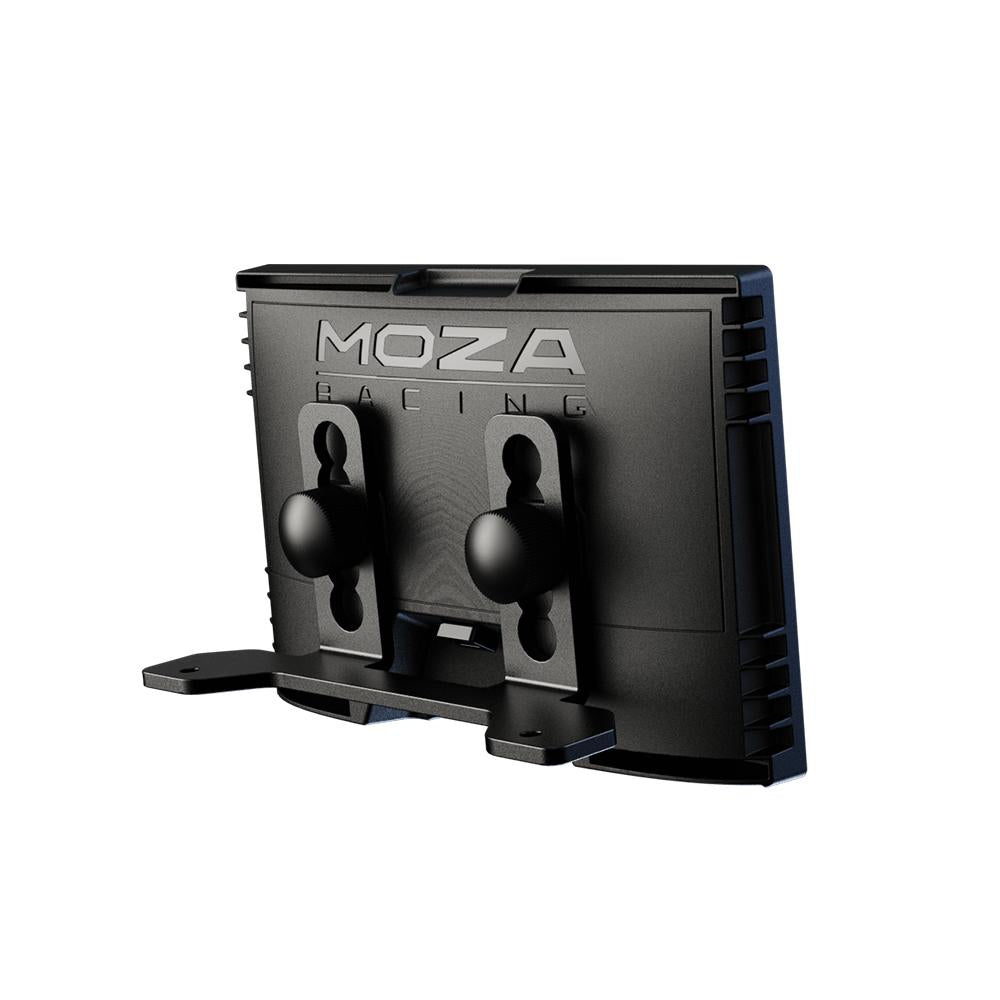
It should be viewed for what it is: a component of the MOZA ecosystem, not a universal display. The CM HD connects to the brand’s Direct Drive bases and is controlled via the MOZA Pit House software suite on a PC. That’s where you can adjust the interface styles, the shift bar thresholds, and the displayed data. Pit House provides immediate support for major titles such as Assetto Corsa, the F1 series, Project Cars 2, and DiRT Rally 2, with telemetry fed from the game to the screen without any complicated setup. This reliance on the ecosystem is both its strength—offering seamless and consistent integration with the rest of MOZA’s hardware—and its limitation, as it restricts the accessory to drivers who already own a MOZA base unit.
Who It's For
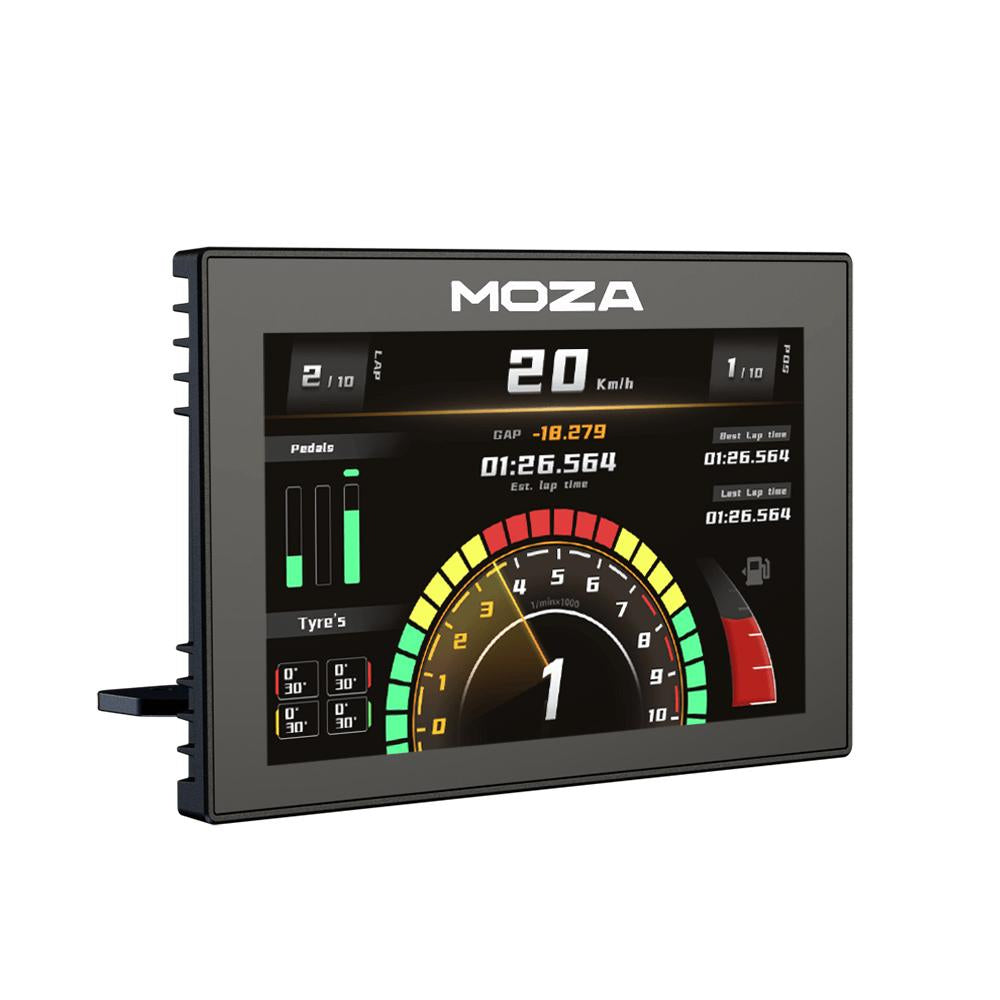
The CM HD Digital Dash is clearly aimed at PC sim racers who already use MOZA and want to take their realism to the next level without investing in a steering wheel with a built-in display. For this user profile, it’s an elegant way to bring essential telemetry right into your line of sight, offering instant readouts and a driving station that finally looks like a real cockpit. Those looking for higher resolution, a touchscreen, or additional rows of LEDs should check out the newer model in the lineup, but the CM HD remains a cohesive and well-integrated entry-level option to complement a MOZA setup.


Reviews